 Double You
Support
How do I appear twice in one video?
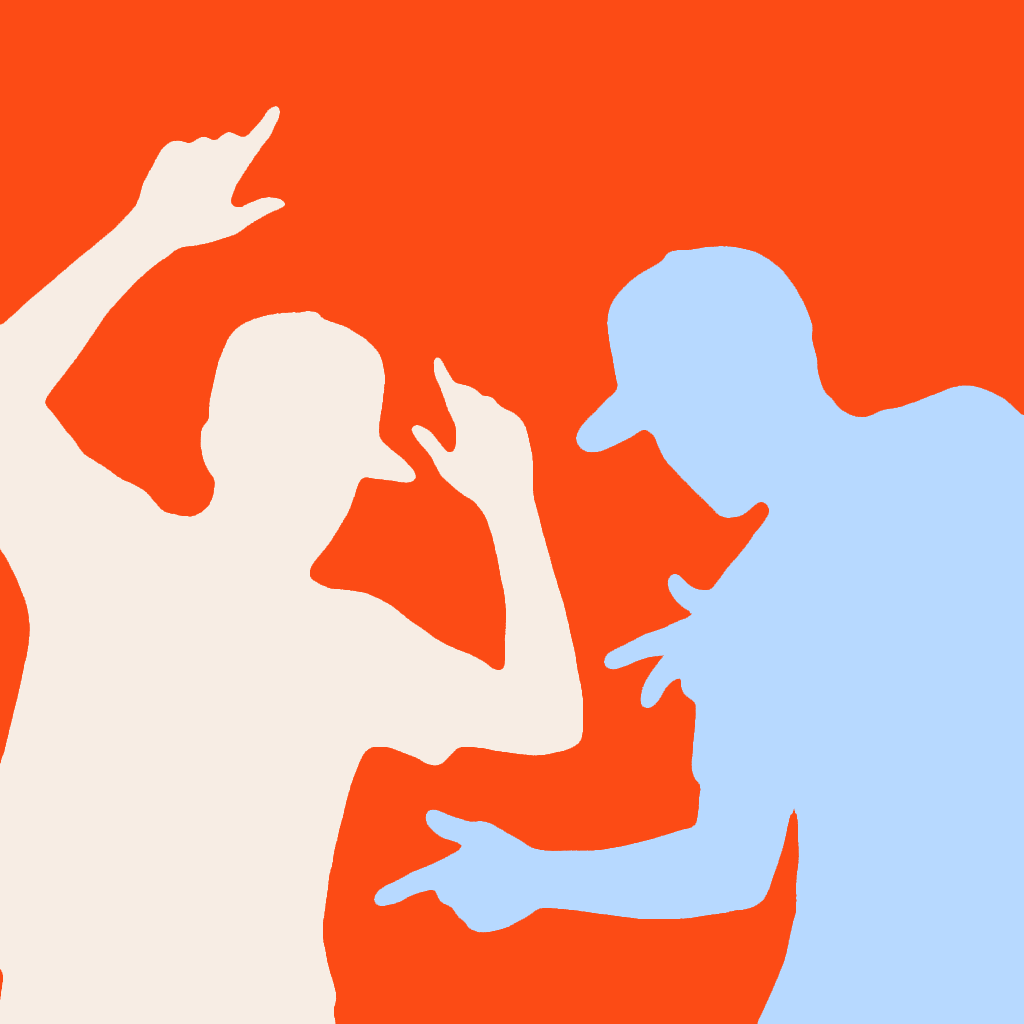
Record two takes with your phone in the same position. Stand in a different part of the frame for each take, then paint the area where you want the second recording to show. The two recordings become one video.
Do I need a tripod?
A tripod helps, but a steady shelf or a stack of books can work too. What matters is keeping the phone completely still between takes so the backgrounds line up.
Can the two versions of me overlap?
Keep some space between them. The effect uses a painted boundary between the recordings. If both versions cross the same spot, one can cover the other or disappear at the edge of the mask.
Does it use AI or upload my videos?
The clone effect comes from combining your two recordings, without AI. Recording, editing and export happen on your phone. Your video stays there unless you choose to share it.
Is there a subscription or watermark?
No. Double You is a one-time purchase, with no subscription and no watermark on exported videos. Check the App Store or Google Play for the price in your region.
What does the dotted-circle brush do?
It paints gently, so you can build up a softer transition between your takes. Try it along an edge that looks too sharp, using a few light strokes rather than one big change.
Can I undo a brush stroke?
Yes. Use undo to remove the last stroke, or use the eraser to remove part of the area you painted.
Where does the finished video go?
Export saves the finished video to your phone’s photo library. Look in Photos on iPhone or your gallery on Android. Make sure the app has permission to save photos and videos.
Can I record and edit offline?
Yes. Recording, editing and exporting happen on your device, so you don’t need an internet connection for those steps.
Why does the app ask for camera and microphone access?
The camera records your takes, the microphone records their sound, and photo-library permission lets the app save the finished video. You can review these permissions in your phone settings.
The result looks wrong. What should I check?
Check that the phone didn’t move between takes and the lighting stayed similar. Keep both versions of you on their own side of the painted boundary. If an edge looks harsh, try softening it with the low-opacity brush.
How do I report a problem?
Email info@sunset-score.com with your phone model, app version and what you were doing when it happened. Describe the issue first; there’s no need to send a personal video just to ask for help.